How to make a GTA 6 AI video
How to make a GTA 6 AI video from one photo: pick a scene, upload, download 15 seconds with sound. Plus how prompting a model or a CapCut template compares.
To make a GTA 6 AI video you need two things: one clear photo of a face and a scene to put it in. With the generator on this site you pick the scene (an airboat chase, a speedboat landing, a neon night drive, the loading-screen look or the GTA 5 goodbye), upload the photo, and download a finished 15-second clip with sound. There are no prompts to write and nothing to edit. This guide walks through it in order, then compares the do-it-yourself routes: prompting a video model and using a CapCut template.
- Input: one photo
- Output: 15-second MP4 with sound
- Time: usually several minutes
- Cost: from $8.90 per video
What you need
Before you make a GTA 6 AI video, have these ready:
- A photo. One face, looking at the camera, sharp and well lit. JPG, PNG or WebP.
- An account and credits. Sign in so your videos are saved. Each video uses 10 credits, and you can buy them in the same flow.
- A few minutes. Rendering usually takes several minutes, and you don't have to keep the tab open.
- Permission. Use a photo of yourself, or of an adult who agreed. You must be 18 or older.
Pick a scene
Every scene runs 15 seconds and keeps its own soundtrack. Three are vertical for TikTok and Reels, one is widescreen and one keeps the 4:3 frame of the original farewell.
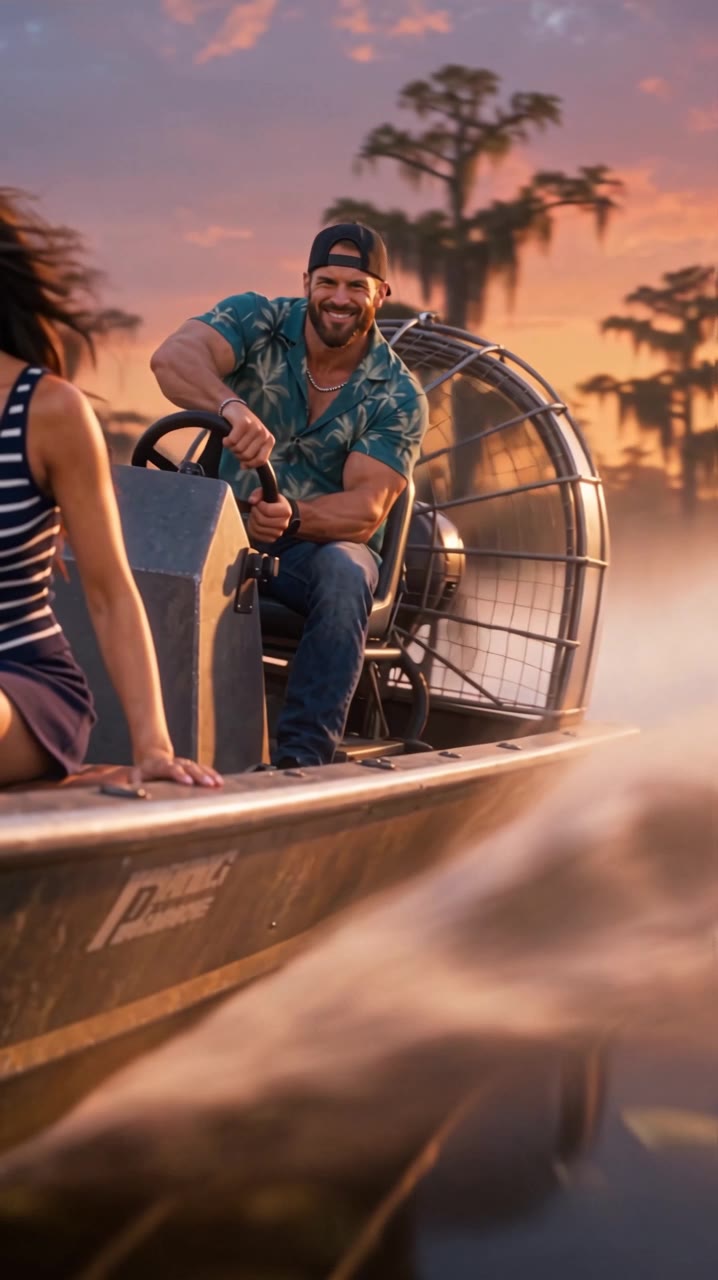
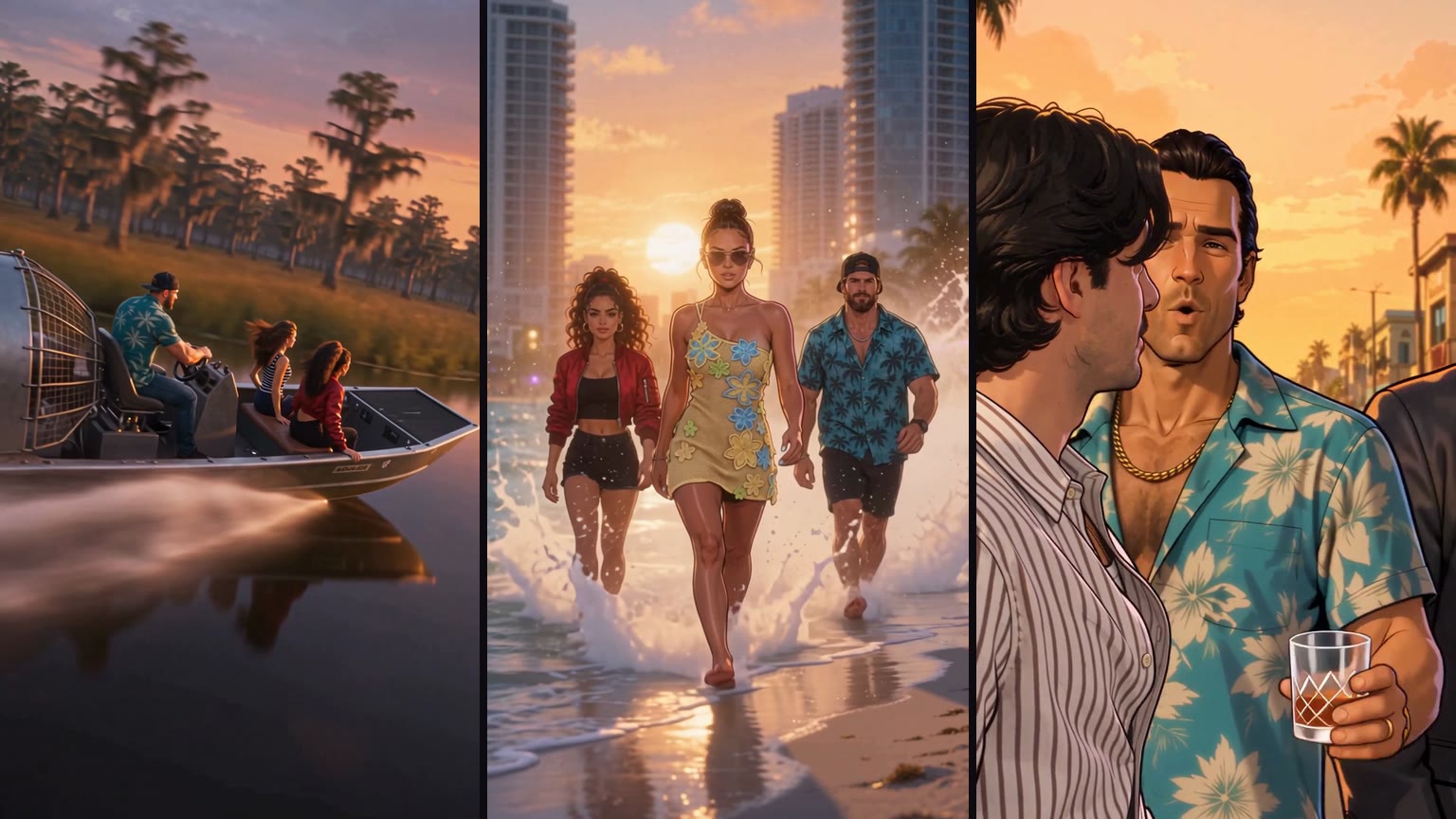
- Swamp airboat escape (9:16). An airboat tears through a cypress swamp at sunset with two police boats behind it. An alligator snaps at the hull and the boat jumps a grassy bank.
- Speedboat beach landing (9:16). A white speedboat crosses turquoise water past a high-rise skyline, rides a wave onto a crowded beach, and the crew walks out of the surf. It ends on an illustrated portrait panel.
- Loading-screen look (9:16). Illustrated, with ink outlines and flat color: a figure on a palm-lined road at sunset, a line-up of characters, then fireworks over a neon skyline. The GTA 6 AI filter guide covers this one.
- Neon night drive (16:9). A night montage in a neon beach city: crowded sidewalks, a backroom deal, a causeway at dusk and a chase seen from behind the wheel.
- GTA 5 goodbye (4:3). The farewell on a sunset pier with Michael, Franklin and Trevor look-alikes. See the GTA 5 goodbye guide.
The airboat, speedboat and loading-screen scenes have a second seat, so you can add a friend or partner at no extra cost. The night drive and the goodbye are one person.
Upload one photo
The photo decides how much the close-ups look like you, so ten seconds of choosing saves a do-over.
- Works well: one face looking at the camera, nothing covering it, shoulders up or waist up, even daylight.
- Avoid: group shots, tiny faces, sunglasses or hats that shade the eyes, heavy beauty filters, cartoons and screenshots.
- File rules: JPG, PNG or WebP, at least 320 pixels on the shortest side, and not stretched wider or taller than 2.4:1. The workspace tells you right away if a file doesn't fit.
Photos are used only to make your video, and the AI video platform deletes them within 24 hours.
Make it and wait
Tick the consent box ("It's a parody, and I have permission to use these photos") and press make. If your account has no credits yet, you can buy one video for $8.90 in the same step; packs of 3 and 5 cost $19.90 and $29.90. It's a one-time payment, not a subscription, and credits never expire.
A video usually takes several minutes. You can close the tab and come back: the finished clip is saved in My videos. If a generation fails, its credits go back to your balance automatically.
Download and post
You get an MP4 of 15 seconds in the scene's own frame, with the soundtrack. The vertical scenes drop straight into TikTok, Instagram Reels and YouTube Shorts.
- Turn on the AI label. TikTok has an AI-generated content setting when you post; Instagram and YouTube have their own.
- Say what it is in the caption, for example "me in GTA 6, made with AI."
- Never pass it off as real gameplay. In 2026 Take-Two had AI-made fake GTA 6 clips taken down, and a parody only stays a parody when it's labeled.
Doing it by hand: prompts and CapCut
There are two other ways to make a GTA 6 AI video. Both work; they just ask more of you.
Prompting a video model yourself. Image-to-video models such as Seedance, Kling, Runway or Hailuo can animate your photo into a scene you describe: camera, setting, action, sound. Expect several attempts per usable clip, faces that drift in fast motion, and paying per generation on each platform. Many tools also refuse prompts that name the game, so you have to describe the look instead. The GTA 6 AI prompts page has wording that works.
A CapCut template. The template behind the loading-screen wave, "GTA 6 Screen AI," runs about 8 seconds, vertical: it turns a photo into loading-screen art and closes on the game's logo. It's quick, but it's a photo effect rather than a scene with you in it, and every result follows the same layout.
| Prompting a model | CapCut template | This generator | |
|---|---|---|---|
| What you get | Whatever you can prompt | An 8-second photo-to-art reveal | A 15-second scene with you in it |
| Effort | Prompt writing and retries | Low | Low |
| Sound | Depends on the model | Template music | The scene's soundtrack |
| Cost | Per generation, per platform | Depends on your CapCut plan | $8.90 per video, $5.98 each in a 5-pack |
When the face doesn't look like you
When a finished GTA 6 AI video doesn't look like you, the photo is almost always the reason.
- Swap the photo first. A sharper, front-facing photo in daylight fixes most likeness problems.
- Lose the sunglasses and filters. The model needs to see your eyes and real skin texture.
- Judge the close-ups, not the action shots. Fast moments, like the airboat jump, blur any face by design.
- Report a broken video. If a finished video is clearly broken, email support@gta6aivideo.net within 7 days and we'll look at it.
GTA 6 AI video tutorial questions
How do I make a GTA 6 AI video of myself?
Can I make a GTA 6 AI video for free?
Do I need a prompt or a CapCut template?
How long does it take to make?
Can I put my girlfriend or a friend in it?
Which AI do people use for GTA 6 AI videos?
Is a GTA 6 AI video real gameplay?
Scenes are AI-generated parodies in a GTA-inspired style. This site is an independent fan tool, not affiliated with, endorsed by or connected to Rockstar Games, Take-Two Interactive or the Grand Theft Auto series. Details as of November 20, 2026.