
GTA 6 scene
Pink convertible, pastel city
Cap, jersey and cargo pants on a palm-lined street, a fly-over of the coast, then a pose by a pink vintage convertible at sunset.
Updated Nov 20, 2026 · 1 photo · 15 s with sound · from $8.90
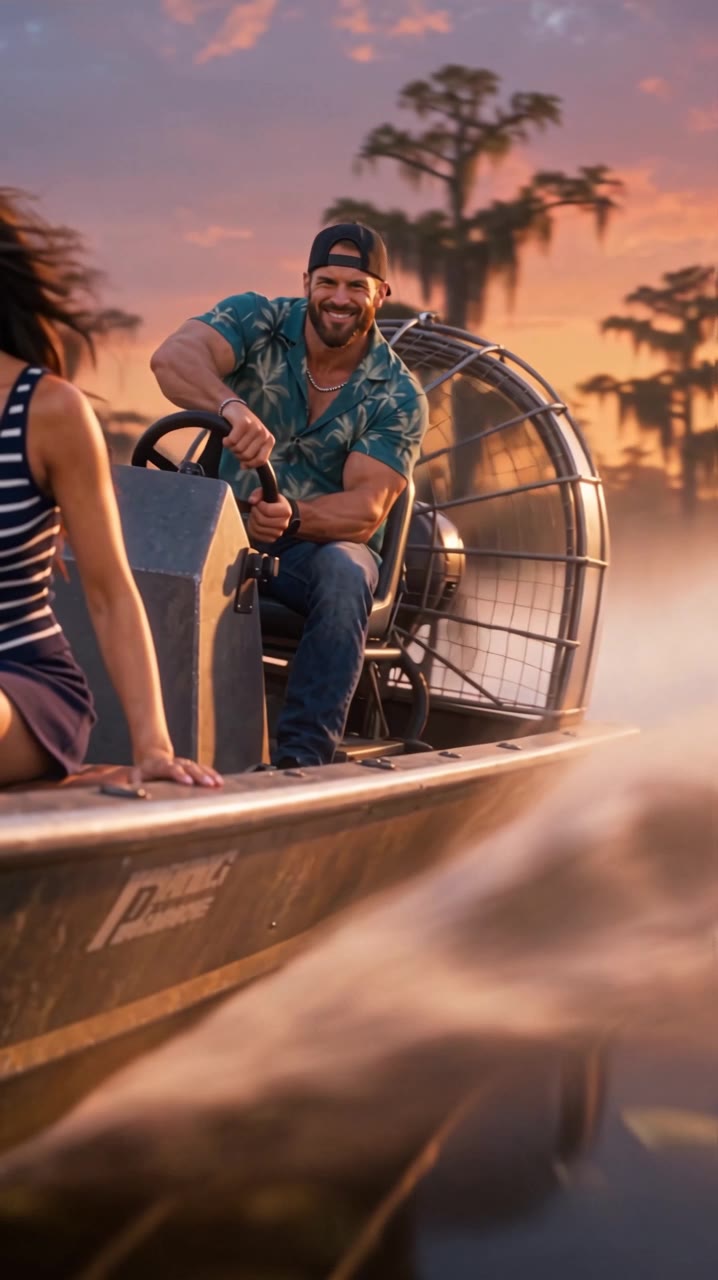
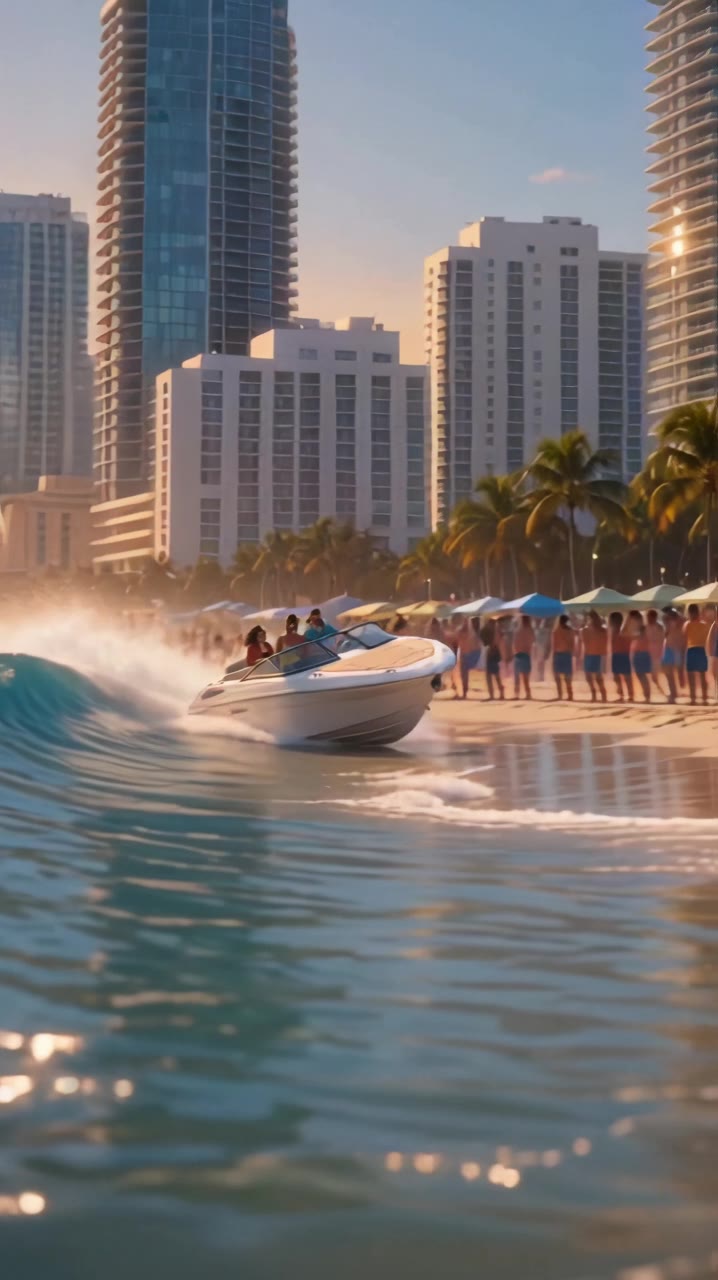
GTA 6 AI Video (gta6aivideo.net) turns one photo into a 15-second GTA 6 AI video of you, with sound and no watermark, for $8.90. Pick the airboat chase, the speedboat landing, the neon night drive, the loading-screen art or the GTA 5 goodbye, and add your partner in three of them. It runs in your browser, the MP4 is ready in several minutes, and there's no subscription.
Scene preview
The scene preview appears here.
1 photo in
Your photo goes here
Your scene out
At a glance
GTA 6 AI Video turns one photo into a GTA 6 AI video. Upload a clear photo of yourself, pick one of five scenes (the swamp airboat escape, the speedboat beach landing, the neon night drive, the loading screen or the GTA 5 goodbye) and the AI animates you inside it, with the scene's own sound. Each video runs 15 seconds, costs 10 credits and is ready in usually several minutes. It's an independent fan tool for parody videos, not a Rockstar Games product.
Watch with sound
A pastel city, a loading-screen reveal, a sunset cruise and the GTA 5 goodbye. Each one starts from a single photo, like yours will.
Cap, jersey and cargo pants on a palm-lined street, a fly-over of the coast, then a pose by a pink vintage convertible at sunset.
Your photo on top, your illustrated loading-screen self below: Art Deco street, yellow supercar, keys in hand.
Denim jacket, hoop earrings and a red convertible rolling past palms and neon hotels at golden hour.
Split screen on the same pier: the kid in 2013 below, the grown-up in 2026 above, facing the same old friend.
Tap a video for sound. Yours stars you, from your own photo.
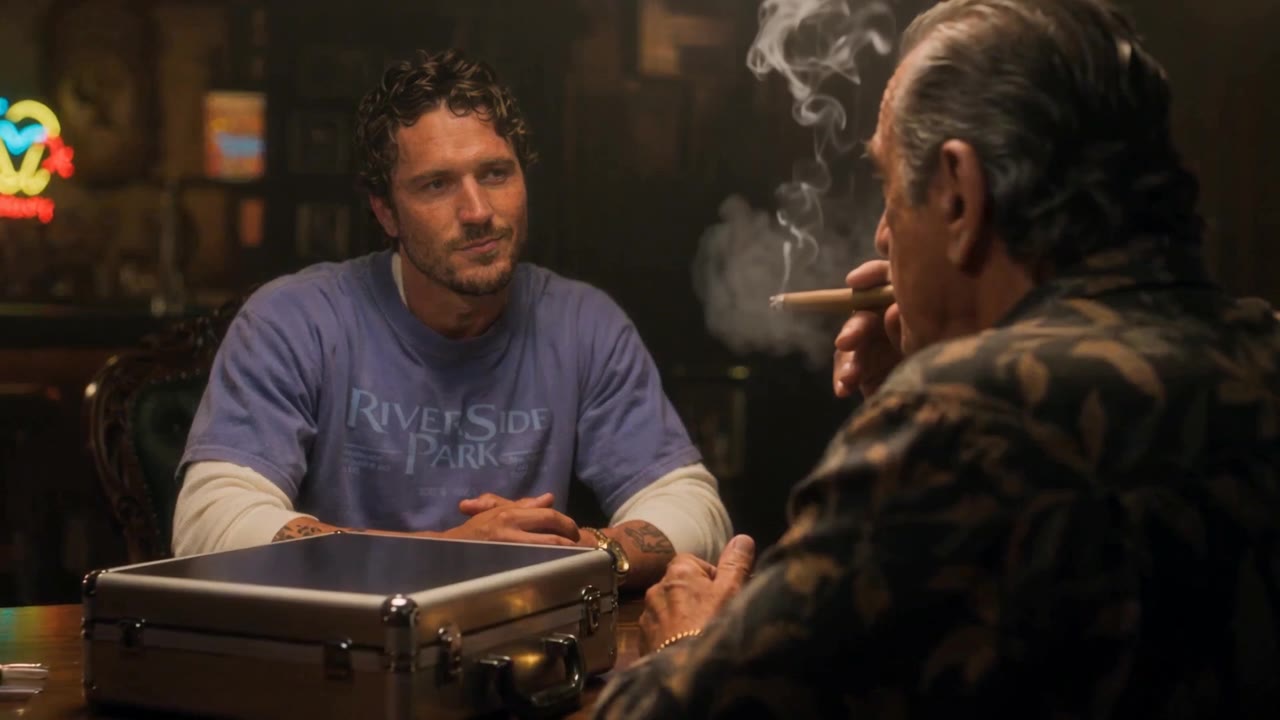
Every scene is a ready-made shot list with its own camera moves and sound. Tap one to load it into the generator, then add your photo.
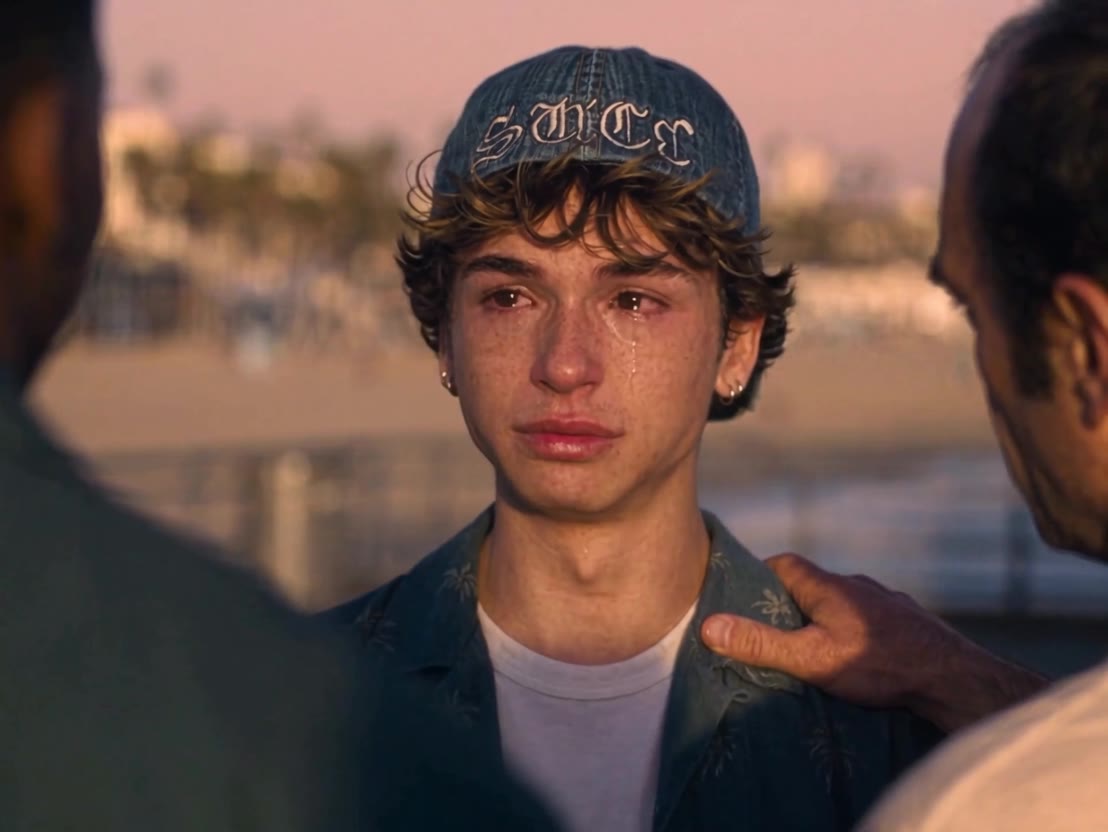
The trend
A GTA 6 AI video puts a real person, made from one photo, into a scene that looks like Grand Theft Auto VI: a Vice City sunset, a swamp chase on an airboat, a neon night downtown. The trend grew out of two smaller ones in the week before the game launched on November 19, 2026.
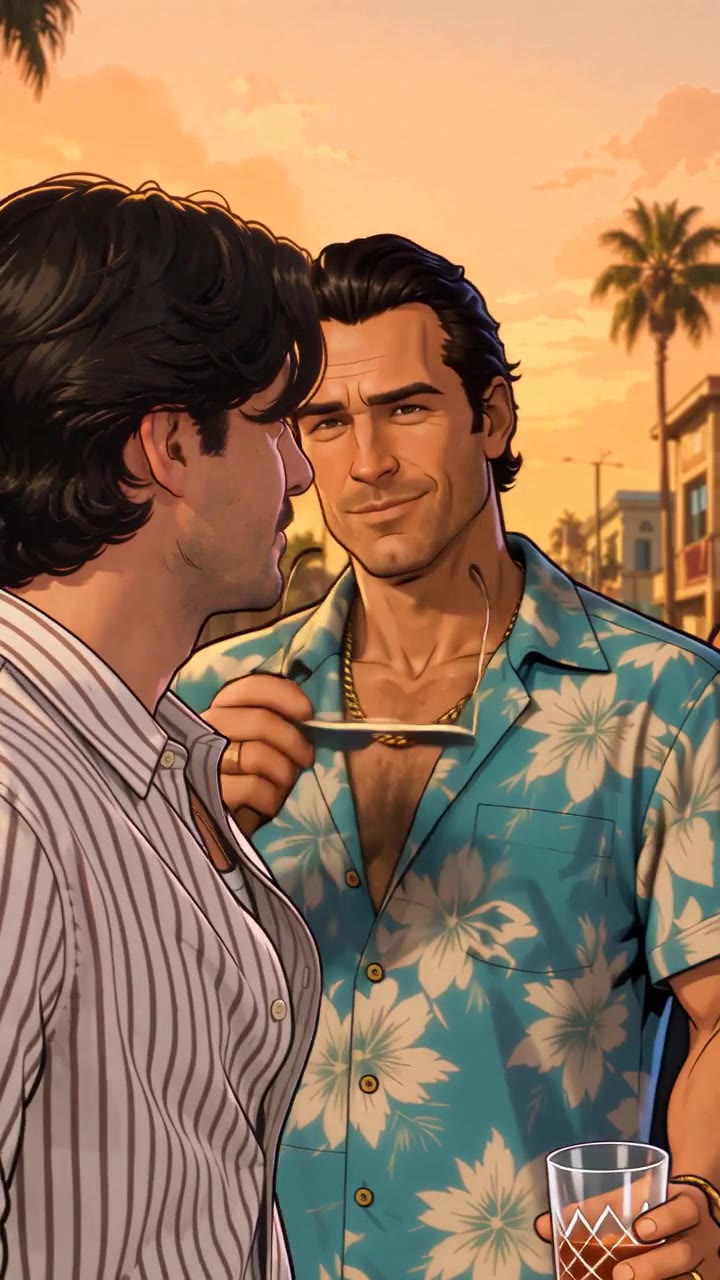
First came the loading-screen filter: selfies redrawn as GTA-style loading-screen art, with bold outlines, flat sunset colours and a short reveal clip. Then the GTA 5 goodbye: fans saying farewell to the three GTA 5 heroes on a pier at sunset, 13 years after the 2013 game, before driving off toward Leonida.
By launch day the searches had turned into "put me in GTA 6". That's what this generator does: one photo, five ready-made scenes, no CapCut template and no prompt.
Read the full trend explainerSep 17, 2013
GTA 5 comes out
Los Santos and its three heroes arrive on PS3 and Xbox 360. Thirteen years later, the goodbye trend waves them off.
Nov 10 to 16, 2026
The loading-screen filter
Photos redrawn as GTA 6 loading-screen art fill TikTok under #gtafilter and #gta6filter, most of them made with a CapCut template.
Nov 11 to 16, 2026
The GTA 5 goodbye
The first pier farewell clips show up on Instagram. A 30-second TikTok version and a CapCut template follow on November 14.
Nov 18, 2026
The goodbye peaks
Searches for "gta 5 goodbye" hit their high the day before launch, then fade fast.
Nov 19, 2026
GTA 6 launches
The game arrives on PS5 and Xbox Series X|S. Searches for "gta 6 ai video" hit their high the same day.
Dates and search trends as of November 20, 2026.
No app, no CapCut template and no prompt: this GTA 6 AI video generator already has the scenes, camera moves and sound in place.
A clear, front-facing photo of you, or of a friend who said yes. Add a second person on the airboat, speedboat or loading-screen scene.
Airboat escape, speedboat landing, neon night drive, loading screen or the GTA 5 goodbye.
In usually several minutes you get the MP4 with sound, ready for TikTok, Reels or Shorts and saved in My videos.
The photo decides how much the video looks like you. Ten seconds of choosing saves a second try.
Works well
Avoid
One-time packs, no subscription. Every GTA 6 AI video costs the same 10 credits, whichever scene you pick: 15 seconds with sound.
$8.90
One-time payment
One GTA 6 scene starring you.
$8.90 per video · 10 credits
$19.90$26.70
One-time paymentSave 25%
Try three scenes, or bring a friend into the next one.
$6.63 per video · 30 credits
$29.90$44.50
One-time paymentSave 33%
The whole crew, or every scene and then some.
$5.98 per video · 50 credits
10 credits per video. No subscription and no free trial. If a video fails, its credits go back to your account automatically.
Straight answers about photos, scenes, sound, price and what's allowed.
Didn't find your answer? Email support
$8.90 for one 15-second video with sound, $19.90 for three or $29.90 for five. One-time packs: no subscription, no watermark, and credits never expire.
Not here: there's no free trial and no free credits. You can watch every scene's example before you pay, and one 15-second video costs $8.90.
Yes. Upload one clear photo and pick a scene: the AI animates you inside it with your face, hair and the clothes from the photo. It's AI, so expect a strong likeness rather than a perfect copy.
Yes. In the airboat, speedboat and loading-screen scenes, add a second photo for your partner or a friend as the co-star, at the same price. The neon night drive and the GTA 5 goodbye star you alone.
No. It runs in your browser on a phone or a computer: upload a photo, wait several minutes and download the MP4. There's nothing to install.
No. You download a clean MP4 with the scene's own soundtrack, ready to post.
One adult facing the camera, sharp and evenly lit, shoulders or waist up. Skip group shots, sunglasses, heavy filters and screenshots. JPG, PNG and WebP all work.
Usually several minutes. You can keep browsing while it renders, and the finished video waits in My videos.
Yes. Every scene keeps its own soundtrack, in sync with the picture, so the MP4 is ready to post as it is.
Most are. The airboat, speedboat and loading-screen videos are vertical 9:16, ready for TikTok, Reels and Shorts. The neon night drive (16:9) and the GTA 5 goodbye (4:3) are widescreen, like the clips that started those looks. Every scene runs 15 seconds.
Yes. Pick the GTA 5 goodbye scene: you on the pier at sunset, saying goodbye to the old crew before driving off. It costs the same as every other scene.
Neither. The filter and CapCut templates restyle a still photo or drop it into a fixed edit. Here the AI animates you inside the scene, with motion, camera moves and sound. The loading-screen scene gives you the illustrated look as a moving video.
No. Every video is an AI-generated fan parody made from your photo. It isn't footage from the game and doesn't use the game's files.
No. GTA 6 AI Video is an independent fan tool. It is not affiliated with, endorsed by or connected to Rockstar Games or Take-Two Interactive. Grand Theft Auto and GTA are trademarks of Take-Two Interactive Software, Inc.
Yes, as a personal, non-commercial fan post. Label it as AI where the platform asks, and don't use it to mislead people, harass anyone or advertise.
Its credits go back to your account automatically. Try again with a sharper, front-facing photo, or email us if it keeps failing.
It's used only to make your video. The AI video provider deletes it within 24 hours, and we don't keep it on our servers. Finished videos stay private in your account until you delete them.
Yes, for unused packs within 7 days of purchase. If a finished video is clearly broken, report it within 7 days and we'll return its credits. The refund policy has the details.
How the trend started, how to make yours, and how to get the loading-screen and goodbye looks right.
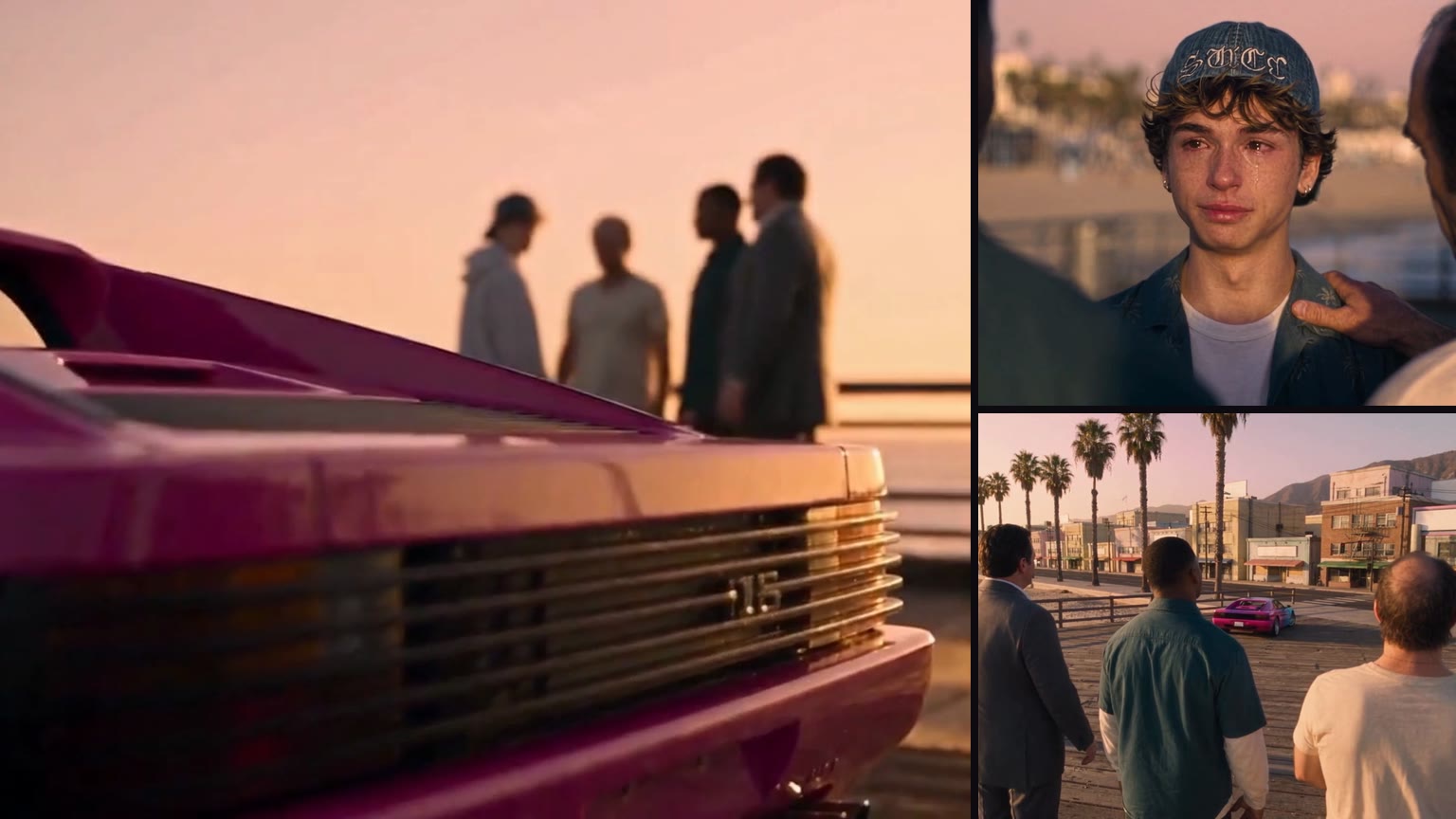
The sunset pier, the three legends, the keys, the tears and the drive away. What the farewell shows and how to make yours from one photo.
Read the guide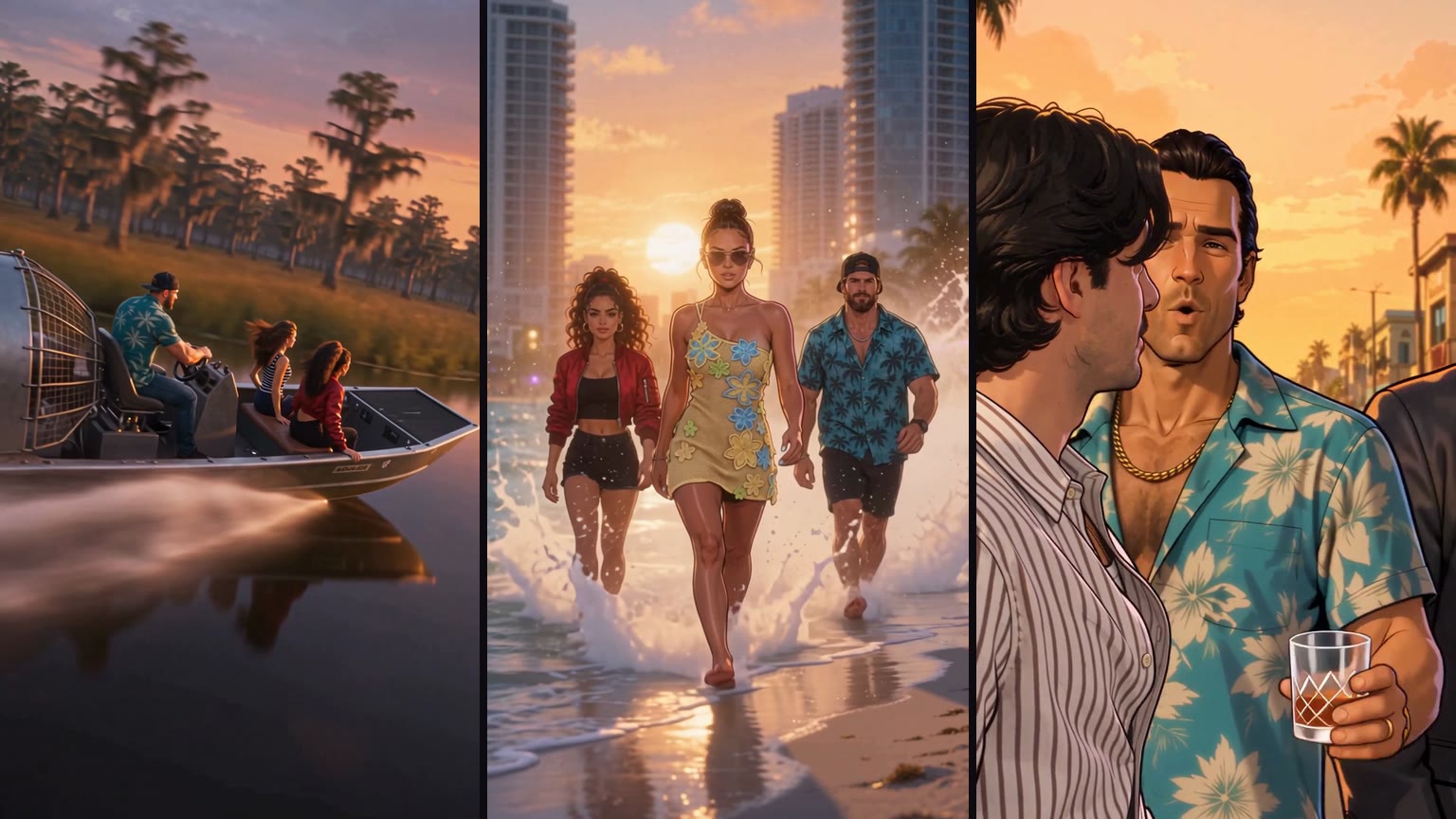
Pick a scene, upload one photo, download 15 seconds with sound. Plus how prompting a video model or using a CapCut template compares.
Read the guide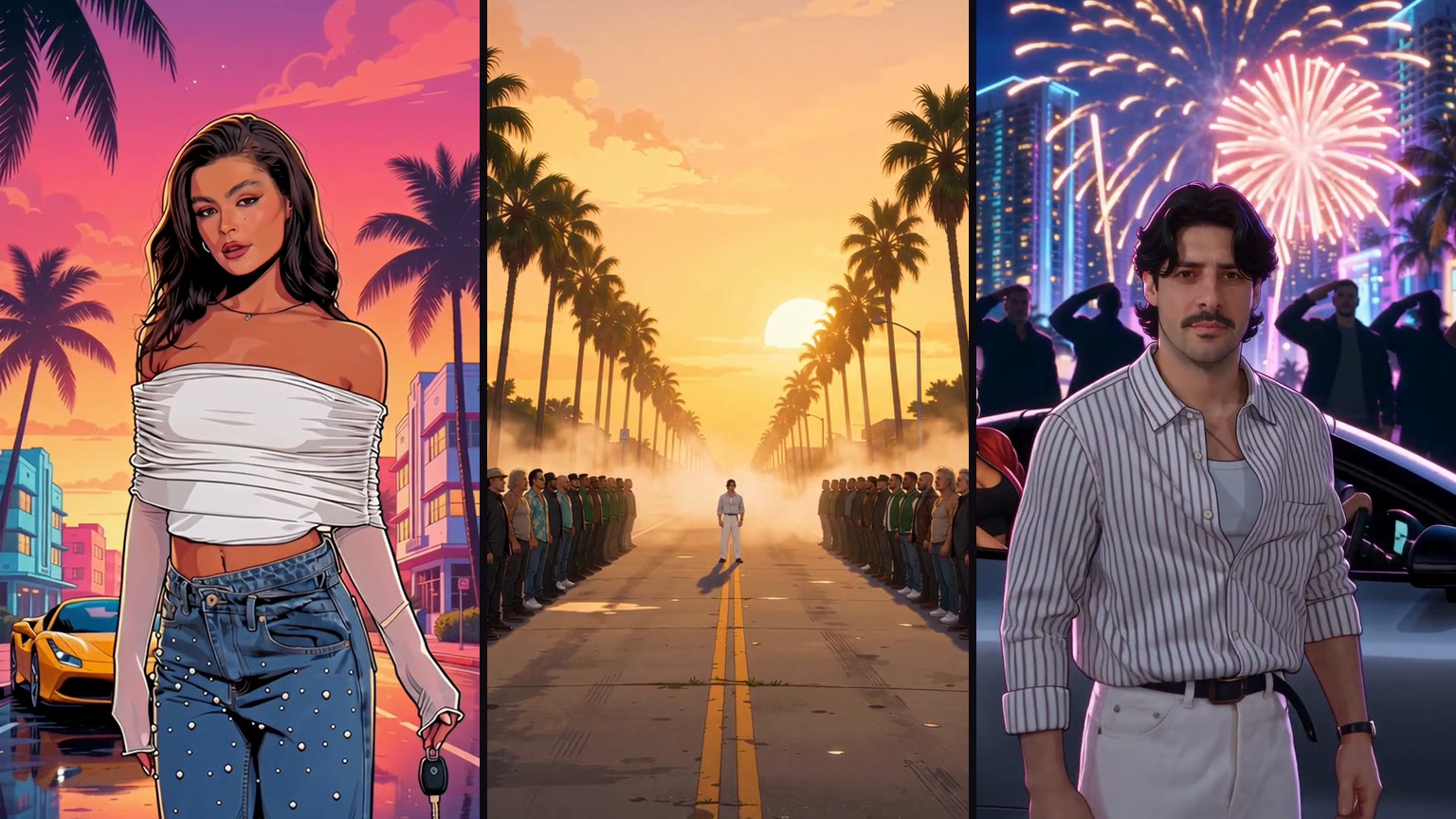
Ink outlines, flat color, sunset palms. Where the loading-screen filter came from, the CapCut wave and how to make the video version.
Read the guide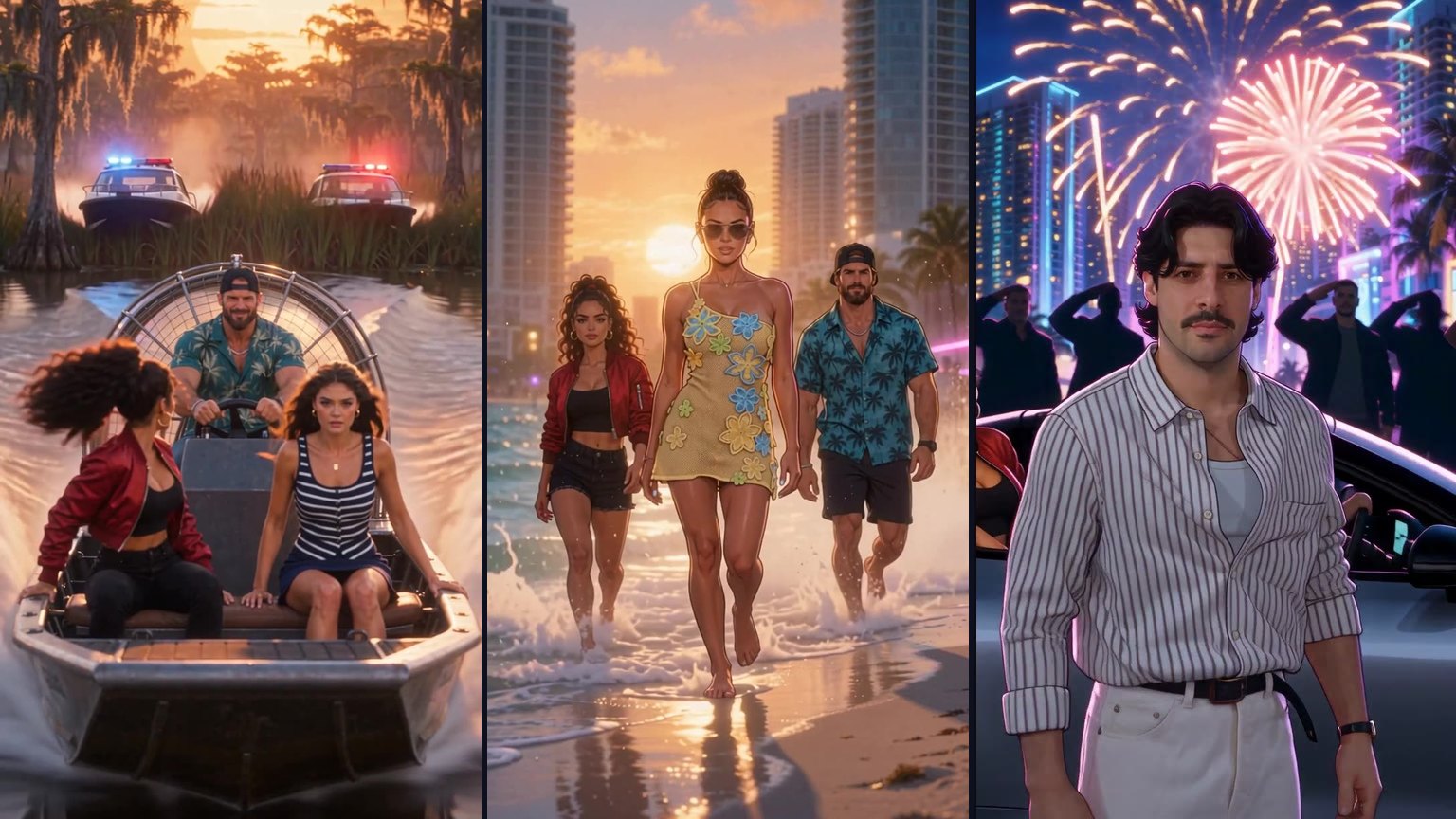
Two photos, one scene: you and your partner on the airboat, the speedboat or a loading screen. Who gets which seat, what each of you does and how to make it.
Read the guide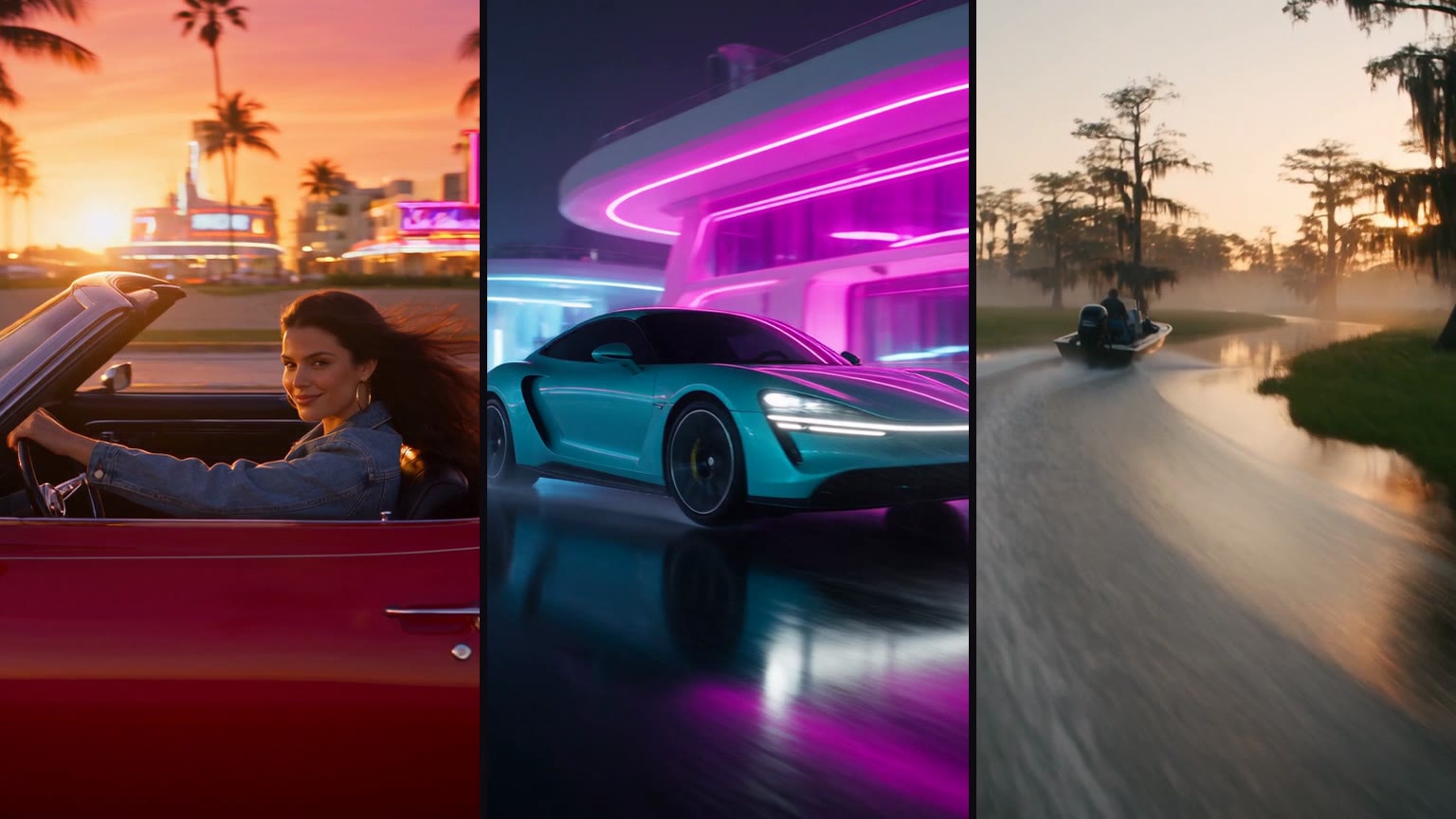
Loading-screen art, me in GTA 6, couples, video scenes and the GTA 5 goodbye, worded so chatbots that refuse brand names still answer.
Read the guide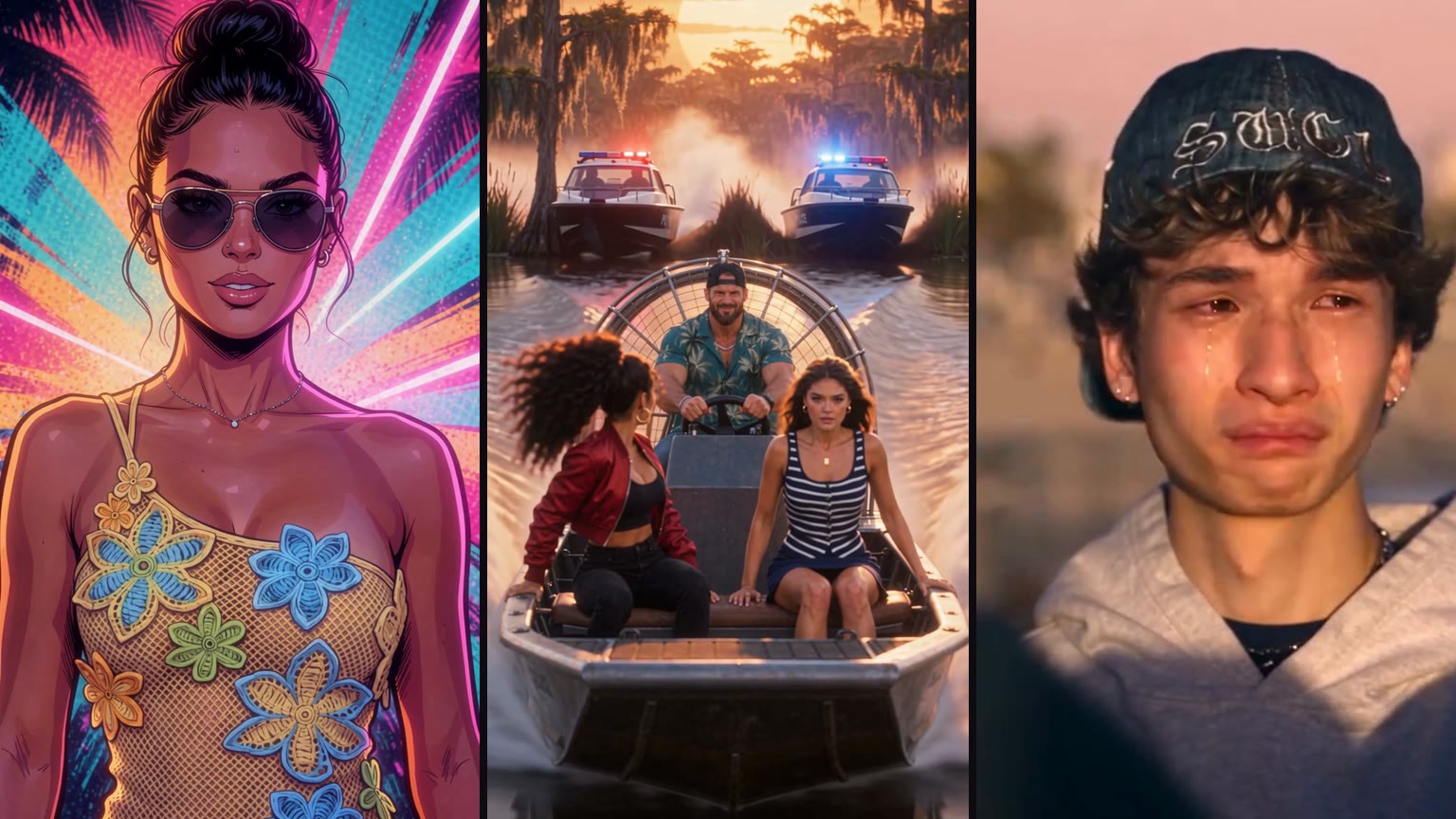
What the trend is, where it started, its three strands, a dated timeline of launch week and how to do it on TikTok with the AI label.
Read the guideOne photo, one scene, 15 seconds with sound. From $8.90, no subscription.